
Reset your password
Published:2026-08-07 16:20/Updated:2026-08-07 16:26
How to reset your password by email if you have forgotten it.
If you have forgotten your password, you can reset it from the sign-in page.
Steps
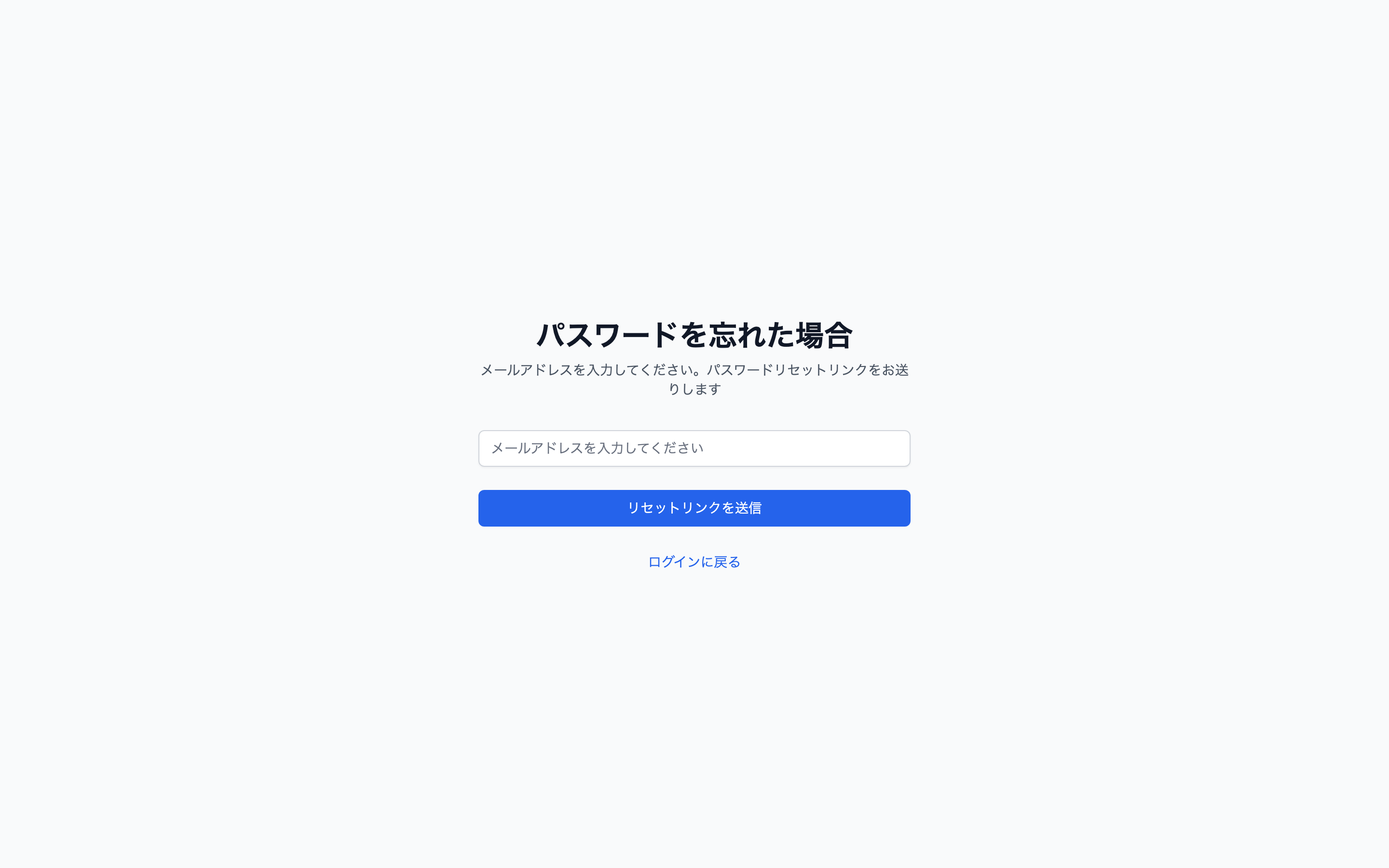
- On the sign-in page, click [Forgot Password].
- Enter your registered email address and submit.
 3. Open the link in the email you receive.
4. Enter and confirm a new password.
3. Open the link in the email you receive.
4. Enter and confirm a new password.
Caution
The reset link expires. If it has expired you will see a message saying the link is no longer valid — please start again from step 1.
If the email does not arrive
- Check your spam folder.
- Make sure you entered the same address you registered with.
- If it still does not arrive, contact us.
Was this article helpful?