
Remove a member
Required roleOwnerAdmin
Published:2026-08-07 16:20/Updated:2026-08-07 16:26
How to remove a member from the organization. This cannot be undone.
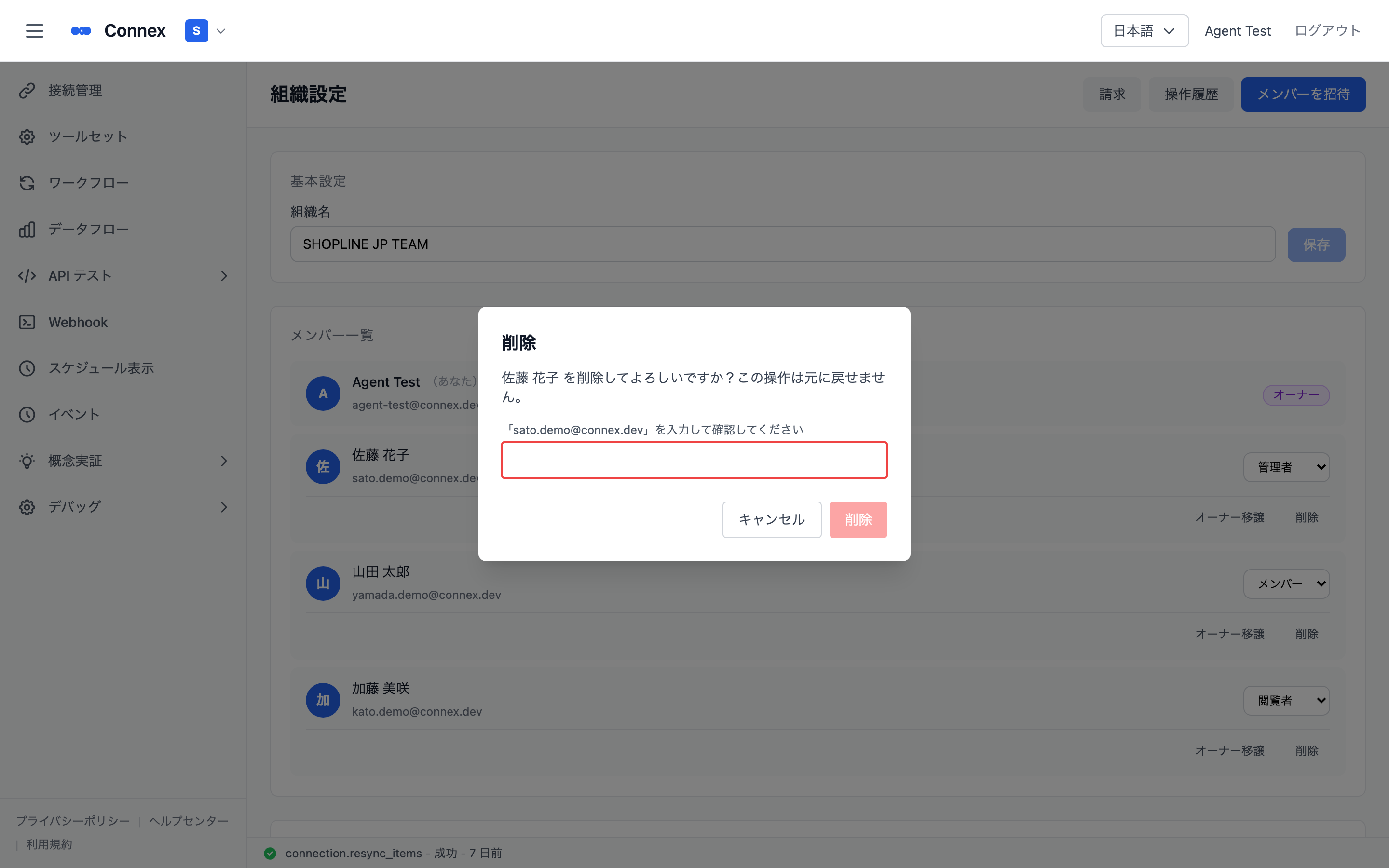
- In the member list, click [Delete] on the target member's row.
- The dialog asks you to type that member's email address.
- A confirmation message appears once the member is removed.
Warning
Removing a member cannot be undone. Please check before you confirm.
Was this article helpful?