
Transfer ownership
Required roleOwner
Published:2026-08-07 16:20/Updated:2026-08-07 16:26
There is one owner per organization. How to hand ownership to another member, and what your own role becomes afterwards.
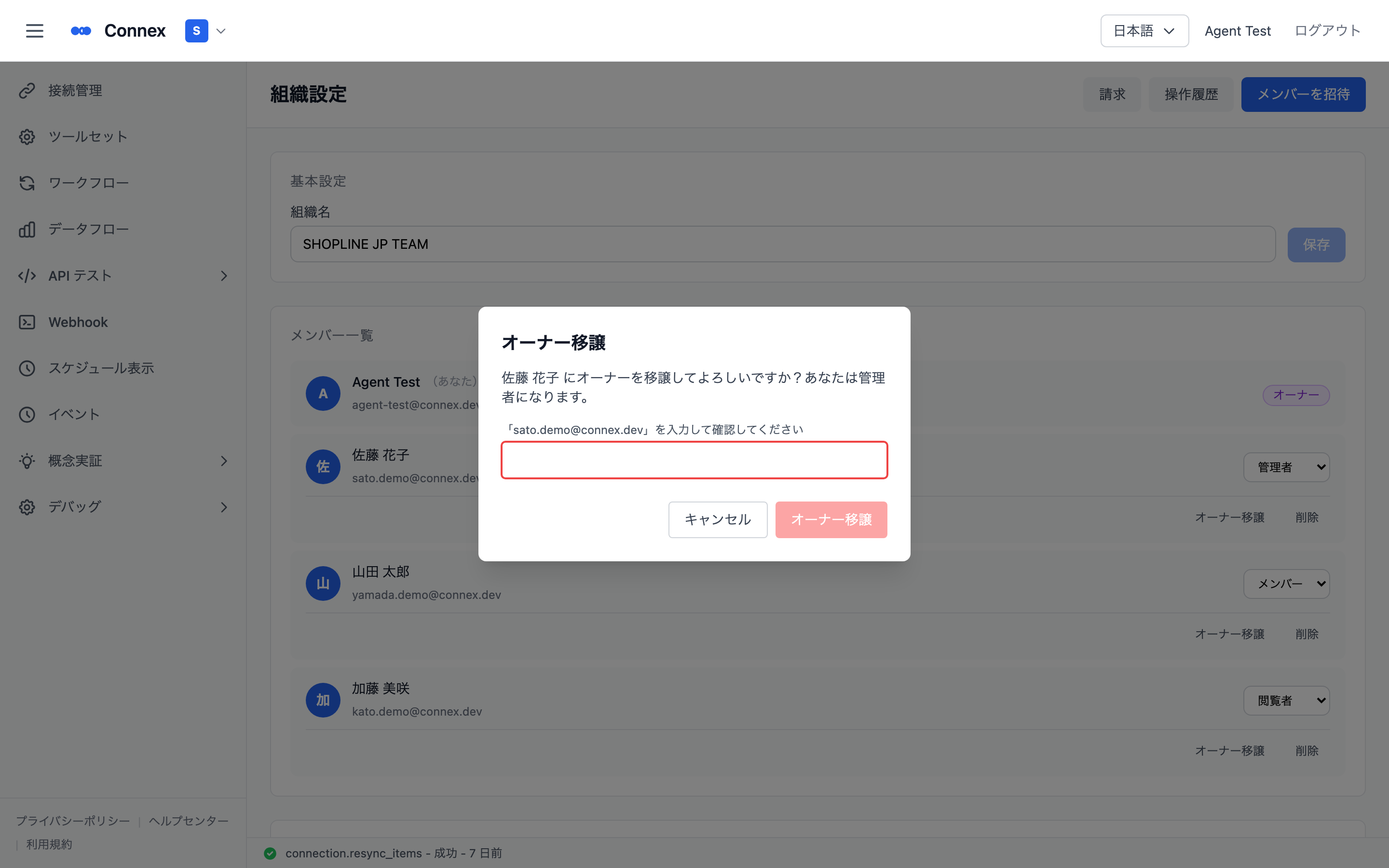
- In the member list, click [Transfer Ownership] on the target member's row.
- Enter that member's email address in the dialog and click [Transfer Ownership].
- After the transfer, the previous owner becomes an Admin.
Caution
An owner cannot leave the organization or delete their account. Transfer ownership to someone else first.
Was this article helpful?