
Check what members have done
Published:2026-08-07 16:20/Updated:2026-08-07 16:26
A chronological log of everything done in the organization, and what each column means.
You can review everything done in the organization, in chronological order.
How to view it
- Click [Activity] at the top right of organization settings.
- The activity table appears.
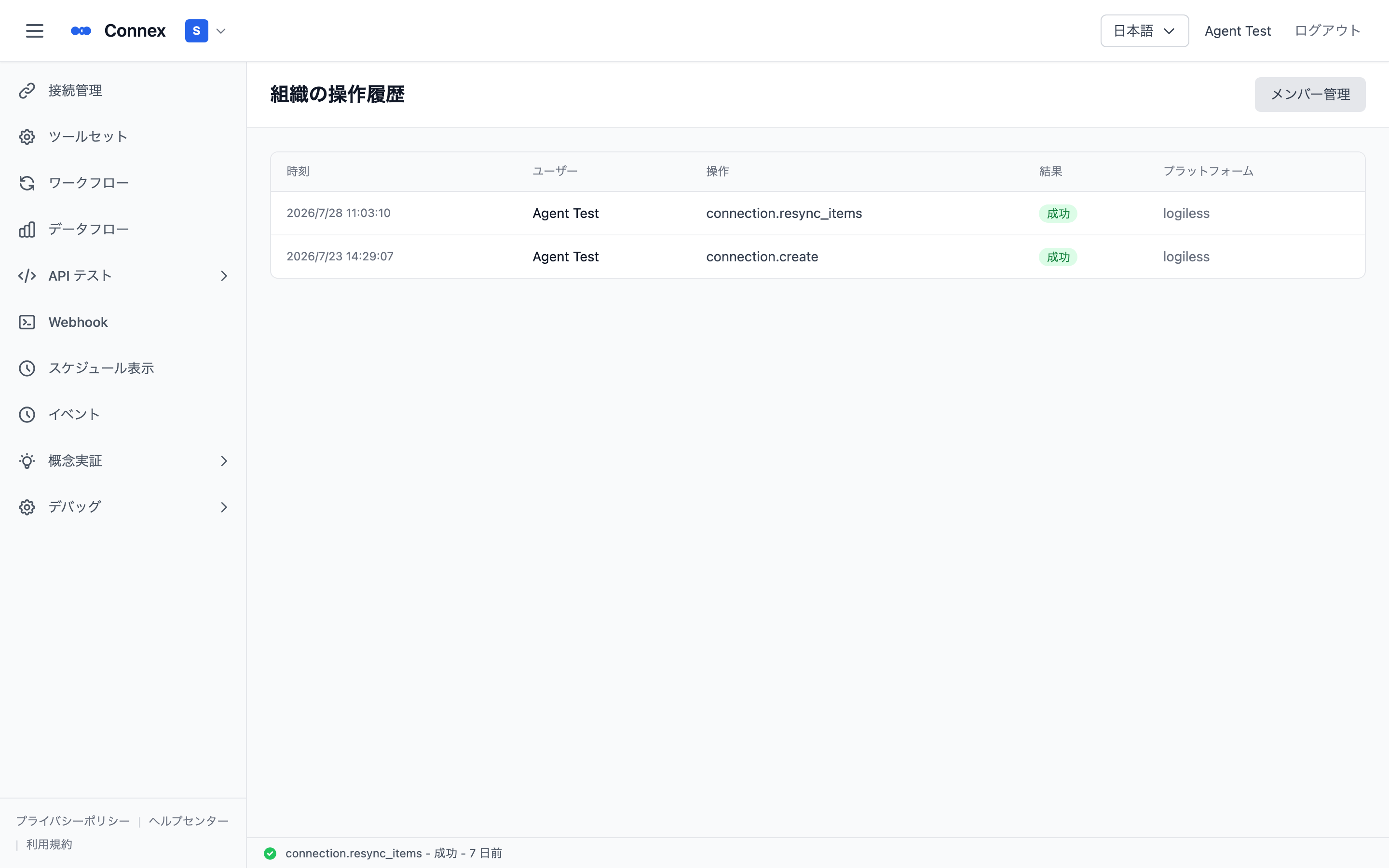
Columns
| Column | Meaning |
|---|---|
| Time | When the action happened |
| User | Who performed it |
| Action | What was performed |
| Result | Success or failure, shown as a badge |
| Platform | The related platform ("—" when not applicable) |
A message is shown when there is no activity yet.
Note
When something "suddenly stopped syncing" or "a setting looks different", the activity log is the fastest way to find out when, by whom and what changed.
Was this article helpful?