
Using the inventory sync tool
Published:2026-08-07 16:20/Updated:2026-08-07 16:26
Fetches an inventory CSV from the CROSS MALL FTP and updates SHOPLINE product inventory. A one-off tool.
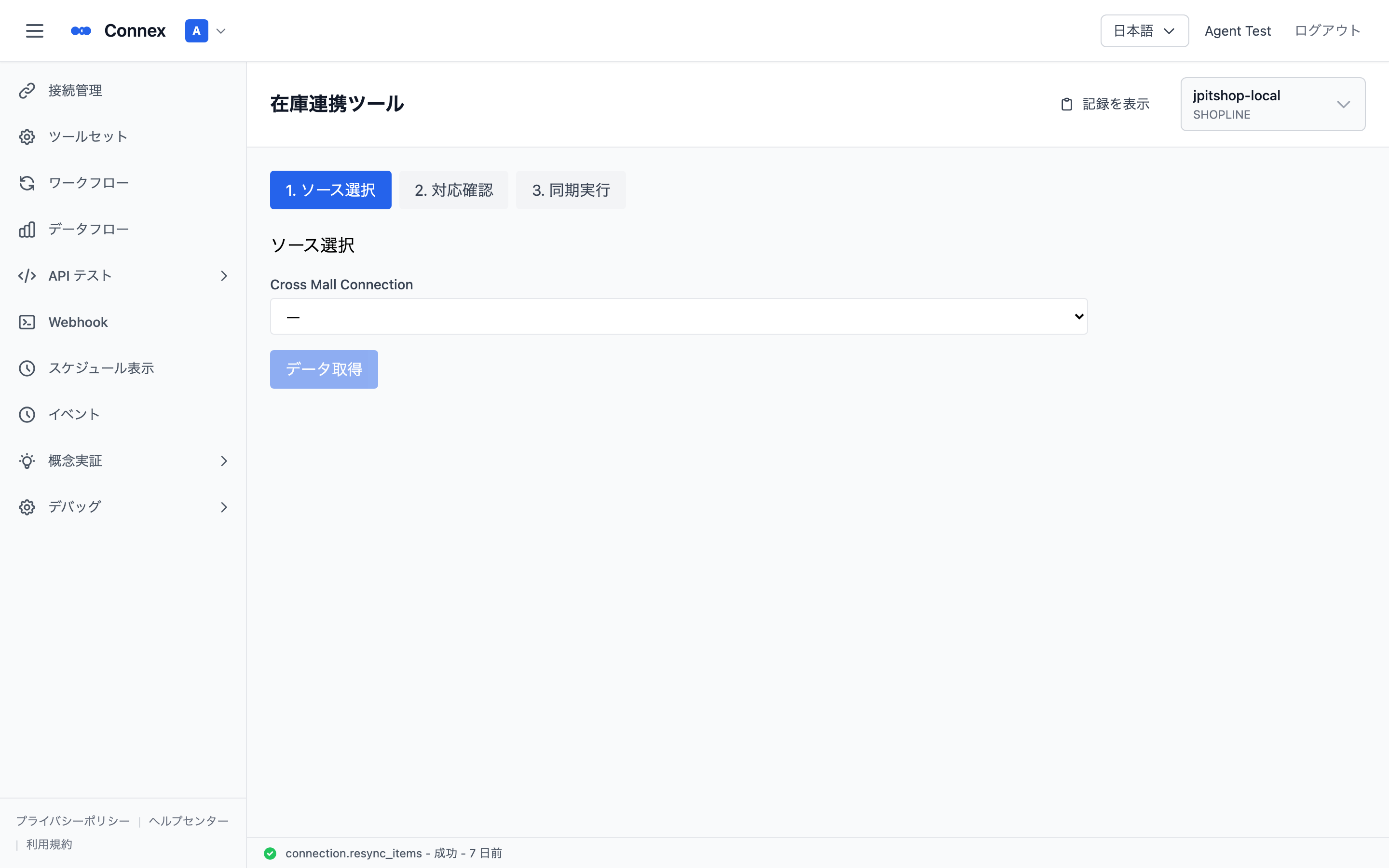
The [Inventory Sync Tool] fetches the inventory CSV placed on the CROSS MALL FTP and updates product inventory in SHOPLINE.
Prerequisites
- A CROSS MALL connection with FTP settings filled in
- A SHOPLINE connection that is Enabled
Steps
- Open [Inventory Sync Tool] from [Tool Set].
- Select the connection.
- Review the inventory data that was fetched.
- Run it — SHOPLINE inventory is updated.
Note
For continuous automatic syncing, use order & inventory auto sync instead. This tool is for running once, on demand.
Was this article helpful?